The Three Website Numbers Worth Checking Every Month
Most website reports bury owners in charts. Three numbers tell you if the site is bringing in business, where to find them, and which ones to stop reading.
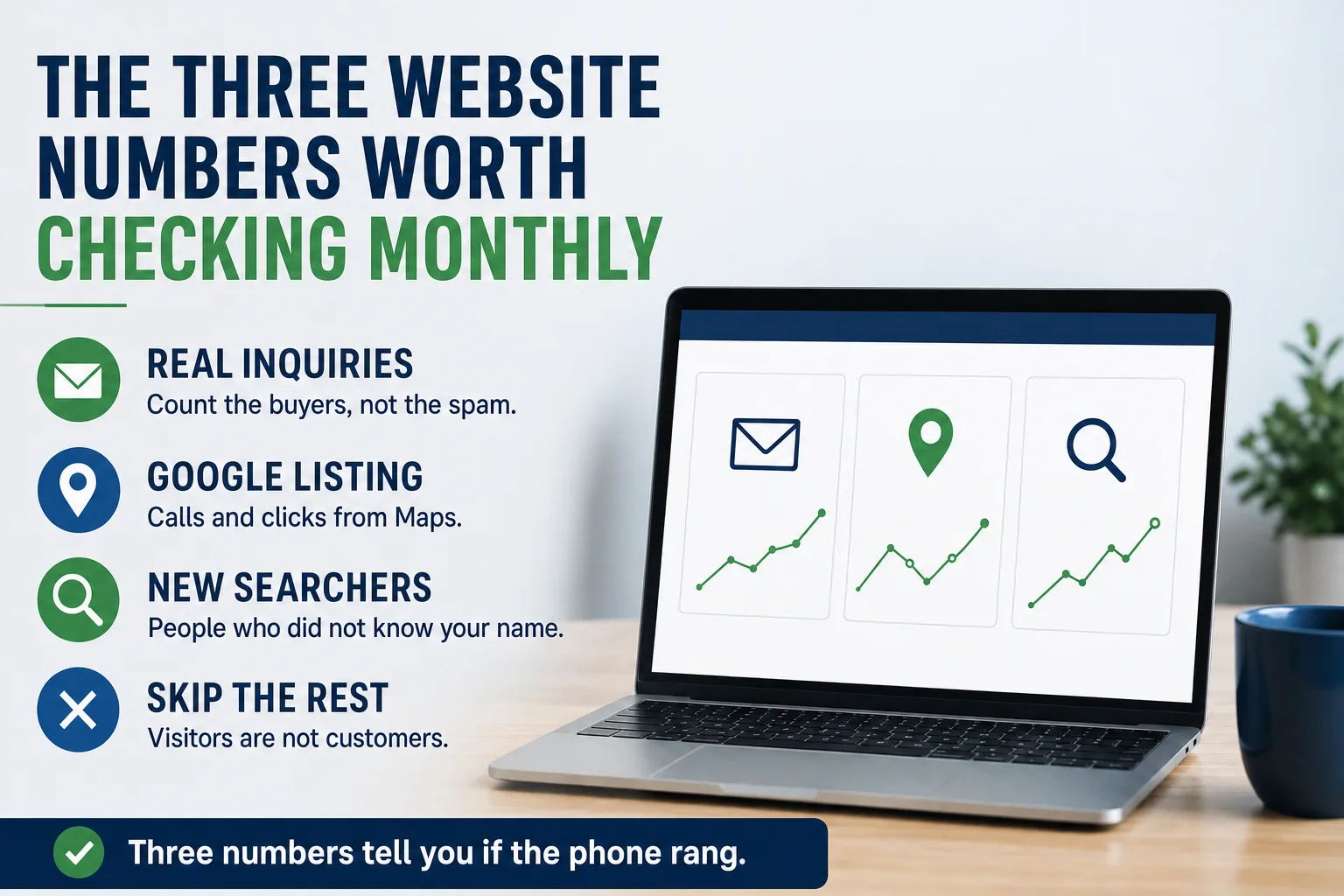
The monthly website report lands on the first of the month. It has eleven pages. There are visitors, sessions, page views, average time on page, a speed score, and a chart of rankings for words nobody in your company has ever typed.
The owner of a mid-sized electrical contractor reads the first page, sees that visitors are up, and files it. Two months later the estimators mention that web leads have been thin since summer. The report never said so, because it never counted them.
Most of what a website report shows is true and beside the point. Three numbers tell you whether the site is doing its job. You can find all three yourself, for free, in about twenty minutes a month.
Why most monthly reports do not help
Reports are built from what is easy to measure, not from what matters to you. Website tools count every visit, every click, and every second on a page, so reports are full of those things.
What you care about is whether people who might buy from you found you and got in touch. That is harder to count, because it happens partly on the website, partly on Google, and partly on your phone. So it gets left out, and the easy numbers fill the space.
The fix is not a better chart. It is deciding in advance which few numbers you will look at, and ignoring the rest unless one of the few moves.
Number one: real inquiries, counted by a person
This is the only number that is close to money. How many real potential customers reached out through the website this month? Count form submissions, calls from the number on the site, texts, and emails to the address listed there.
Then take out the junk. Sales pitches, job seekers, vendors offering to improve your search ranking, and spam do not count. Someone has to read the list and sort it, and that is the point. A tool can count submissions. Only a person can say which ones were real buyers.
Keep a simple running tally in a spreadsheet: month, real inquiries, and a short note on anything unusual. After three or four months you will know what normal looks like for your business, including the slow months that are just the season.
If this number is zero, check the form before you worry about anything else. Forms break quietly and keep showing a thank you message while nothing arrives. We wrote about how that happens in why nobody fills out your contact form.
Number two: what people do on your Google listing
For many local and regional businesses, the Google listing does more work than the website itself. People find you on Maps or in the local results, and they call straight from there without ever opening your site.
Your Google Business Profile shows this on its Performance page. It counts calls from the call button, clicks to your website, requests for directions, and messages if you have them turned on. Look at calls and website clicks together for the month, and compare them with the same month last year.
Two cautions from Google's own help pages. The call count only includes people who tapped the call button, so anyone who copied the number and dialed it is missing. And the numbers change from week to week for reasons that have nothing to do with you. Read the month, not the day.
If you have turned on messages, the same page shows those too. Who answers them is a separate question, which we covered in customers can text you from Google Maps.
Number three: clicks from people who did not know your name
Some people search for your company by name. They already know you, from a referral, a truck, or a past job. Those clicks are nice, but the website did not win them.
The clicks that show the website is earning its keep come from searches for what you do, like "commercial electrician near me" or "stainless fabrication shop." Those are people who did not know you existed until Google showed them your page.
Search Console (Google's free report on how your site appears in its results) shows the searches that led to clicks. Open the Performance report for the last full month. Filter out any search that contains your company name. What is left is roughly your new business traffic from Google.
You do not need every search on the list. Look at the total for those clicks, and glance at the top ten searches to make sure they describe work you actually want.
The numbers you can stop reading
Total visitors. It goes up and down with bots, seasons, and changes in how Google shows results. Visitors are not customers, and a drop on its own is often harmless, as we explained in website traffic dropped.
Time on page and bounce rate. They describe behavior, not outcomes. A buyer who finds your phone number in ten seconds and calls is a great visit that looks terrible on these charts.
The speed score from month to month. It matters when it is poor, and it is worth checking a few times a year. Small swings mean nothing.
Rankings for a single phrase, followers on social media, and impressions, which count every time your site appeared in results whether anyone noticed or not. None of these tell you whether the phone rang.
A twenty minute routine for the first of the month
Pick one person and one day. The first business day of the month works well. Have them write down the three numbers in the same spreadsheet every time: real inquiries, calls and website clicks from the Google listing, and clicks from searches that do not include your name.
Then ask one question. Did any of the three move a lot compared with last month and the same month last year? If not, you are done until next month. If one did, that is when the other numbers become useful, because now you know what you are looking for.
Read them together. Google listing actions are steady but real inquiries fell? Look at the form and the phones. Searches for what you do dropped? Look at what changed on the site or on Google. All three fell together in a slow month? It may just be the season.
If someone sends you a monthly report already, ask them to put these three numbers on the first page. That is a fair request, and one of the things a care plan should actually do. If you would like help setting up the tally the first time, we are glad to walk through it.