WordPress Alternatives for Contractors: What to Choose in 2026
WordPress powers most contractor websites — and generates most contractor website headaches. Here are the real alternatives, what each one costs you, and how to choose.
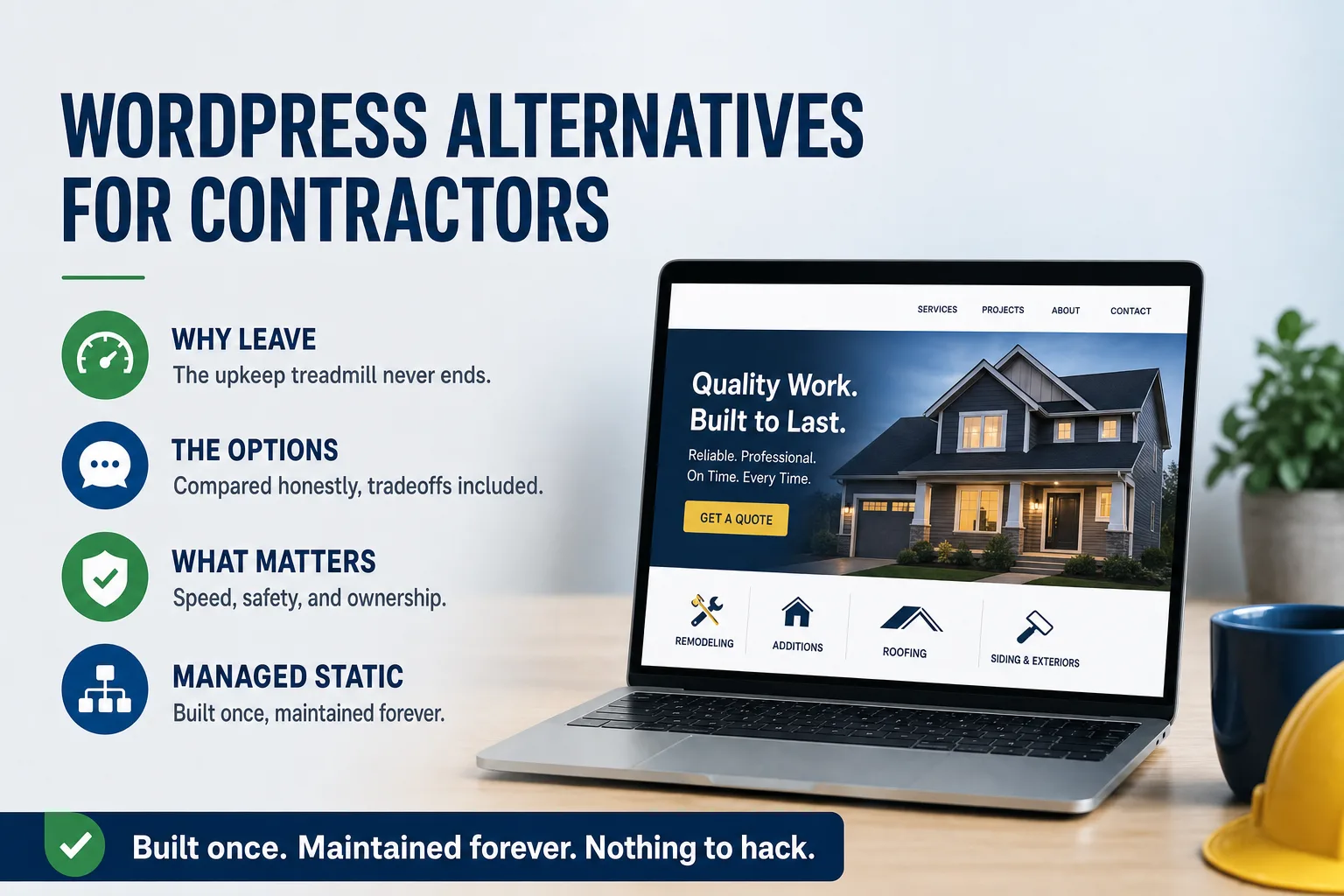
If you run a contracting business, odds are your website runs on WordPress — and odds are you have a story about it. The plugin update that broke the contact form during bid season. The developer who vanished with the login credentials. The hosting bill that keeps climbing while the site keeps slowing down.
None of that is bad luck. It is the predictable result of running a maintenance-hungry platform without a maintenance plan — which describes most contractor websites, because contractors are busy running crews, not patching PHP. The good news: in 2026 you have genuinely better options. The honest news: they are not all equal, and the right choice depends on how your business actually uses its website.
Why contractors outgrow WordPress
WordPress itself is not a scam — it powers a large share of the web, and in capable, attentive hands it can work fine. The problem is what it demands: a database, a PHP runtime, a theme, and typically fifteen to thirty plugins, every one of which ships updates on its own schedule and can conflict with any other. That stack needs ongoing professional attention. When it doesn't get it, three things happen on a schedule you can almost set a watch to.
First, the site slows down. Themes and page builders accumulate unused code, image libraries bloat, and load times creep from two seconds to five to eight. Second, things break quietly — a form stops sending, a gallery dies on mobile — and you find out from a customer, or never. Third, the site becomes a security liability: outdated plugins are the most common way small-business sites get compromised, and a hacked site in your name does damage no amount of yard signs undoes.
For a contractor, each of those failure modes hits where it hurts: local search rankings (Google measures speed), lead capture (the form is the whole point), and the trust a homeowner or GC extends before calling. We broke down why that decay happens on its own — with nobody touching the site — in Is a Fast Website Worth It?.
The alternatives, honestly compared
Site builders — Wix, Squarespace, GoDaddy's builder — are the simplest exit. They bundle hosting and remove the plugin problem, and for a brand-new one-truck operation they are better than a neglected WordPress install. Their ceiling is real, though: limited speed (you share infrastructure and accept their code weight), template sameness, weak structured-data control for local SEO, and you can never take the site with you. You are renting, permanently — which is worth reading about in Who Actually Owns Your Website? before you commit.
Managed WordPress hosting — paying a premium host to babysit the same stack — fixes some reliability issues without fixing the architecture. The plugins still update, the theme still ages, and you are still paying monthly for someone to manage complexity that doesn't need to exist for a marketing site.
Static architecture is the structural fix. Your pages are pre-built into plain HTML and served from a global content delivery network — no database to hack, no plugins to update, nothing to break at 2 a.m. Load times drop under a second, which Google rewards directly. The catch: static sites are built by developers, not drag-and-drop editors, so the model only works when it comes paired with someone who handles updates for you. For a contractor who was never going to log into WordPress anyway, that pairing is the point, not a drawback.
What actually matters when you choose
Cut through the technology argument with four questions. One: how fast does it load on a phone, on cellular, in the field — because that is where your customers are when they search "roofer near me." Two: who is responsible for maintenance, by name, and what is their response commitment when something needs changing the week of a big bid? Three: what is the total cost over three years — build, hosting, maintenance, and the inevitable redesign — not just the sticker price? Four: do you own it? If you leave the provider, do you walk away with your site files, or with nothing?
Notice that none of those questions is "which CMS is best." A platform debate is the wrong frame for a business owner. You are choosing an operating arrangement: who builds it, who runs it, what it costs, and what happens when you need something. The longer version of that checklist is in What to Ask Before You Hire Anyone.
The managed-static model
Our answer — the one we build for trade contractors every week — is static architecture with management built in: a custom-designed site, pre-rendered for speed, deployed to a CDN, with hosting, monitoring, backups, and content updates handled under a monthly care plan with stated response times. Changes go through version control, so every update is tracked and reversible. You own the repository outright. The packages and plans are listed on our pricing page.
That model is why our client sites hold perfect Google PageSpeed scores years after launch instead of degrading the way a plugin stack does. Rite-Way Roofing, a commercial roofer working across four Southern California counties, is a representative case: a WordPress theme carrying inline stylesheet bloat and unused vendor code, no phone number visible on the homepage for a contractor advertising 24/7 emergency response, and fourteen manufacturer certifications that appeared nowhere a search engine could find them. It is also why the trades fit this model so well: your website's job is to load instantly, rank locally, look credible, and capture the lead — and then to keep doing exactly that, unattended, while you run the business.
If you want a concrete starting point, run your current site through a speed test and look at the mobile score. Under 50 means the architecture, not the design, is your problem — and switching platforms will do more for you than another round of plugin optimization ever will. If you want the industry-specific version of this, we keep detailed pages by trade under Industries.