Moving Off WordPress Without Losing Your Place on Google
Rankings are lost in the move, not by the new platform. What to list before the build, what to check at launch, and how to tell a normal dip from a real loss.
The new website looks better than the old one. It loads fast. The team likes it. Three weeks after launch, the quote requests that used to come in from Google have slowed to a trickle.
Somebody searches for the service that used to bring in the most work. The old page still shows up in the results. Clicking it lands on a "page not found" screen. A buyer who saw that screen did not call to report it. They picked the next company on the list.
This is the most common way a business loses ground on Google when it leaves WordPress. The new platform is rarely the problem. The move is. And almost every part of a careful move can be checked by an owner who has never touched the site.
Google ranks pages, not websites
It helps to know one thing about how Google works. It does not rank your company as a whole. It ranks individual pages, each one at its own address, each one for the words on it.
Your page about commercial roof repair has its own address and its own history with Google. Other sites have linked to it. Buyers have clicked it for years. That history is attached to that exact address.
A new website almost always changes some of those addresses. WordPress has its own habits, like putting dates in blog post addresses or creating pages for every category and tag. The new site will do things differently. Every address that changes without a plan is a page that starts over with Google from nothing.
What actually goes wrong in a move
The losses tend to come from a short list of causes, and none of them are dramatic.
Pages get renamed or combined, and nobody sets up forwarding from the old address. Pages get dropped in a cleanup because they looked old, even though one of them quietly brought in a steady share of quote requests. Words get rewritten to sound better, and the page stops saying the plain phrase buyers actually type, like "forklift repair" or "tenant improvement contractor."
Then there are the launch day mistakes. A test copy of a new site is usually set to tell Google to stay away, which is correct while it is being built. If that setting is still on when the real site goes live, Google slowly drops the whole site from its results. The link on your Google Business Profile can also keep pointing at an old page that no longer exists.
Each of these is easy to prevent and easy to check. They happen because a move is treated as a design project, and nobody is assigned to protect what the old site was already earning.
Make the list before anyone builds anything
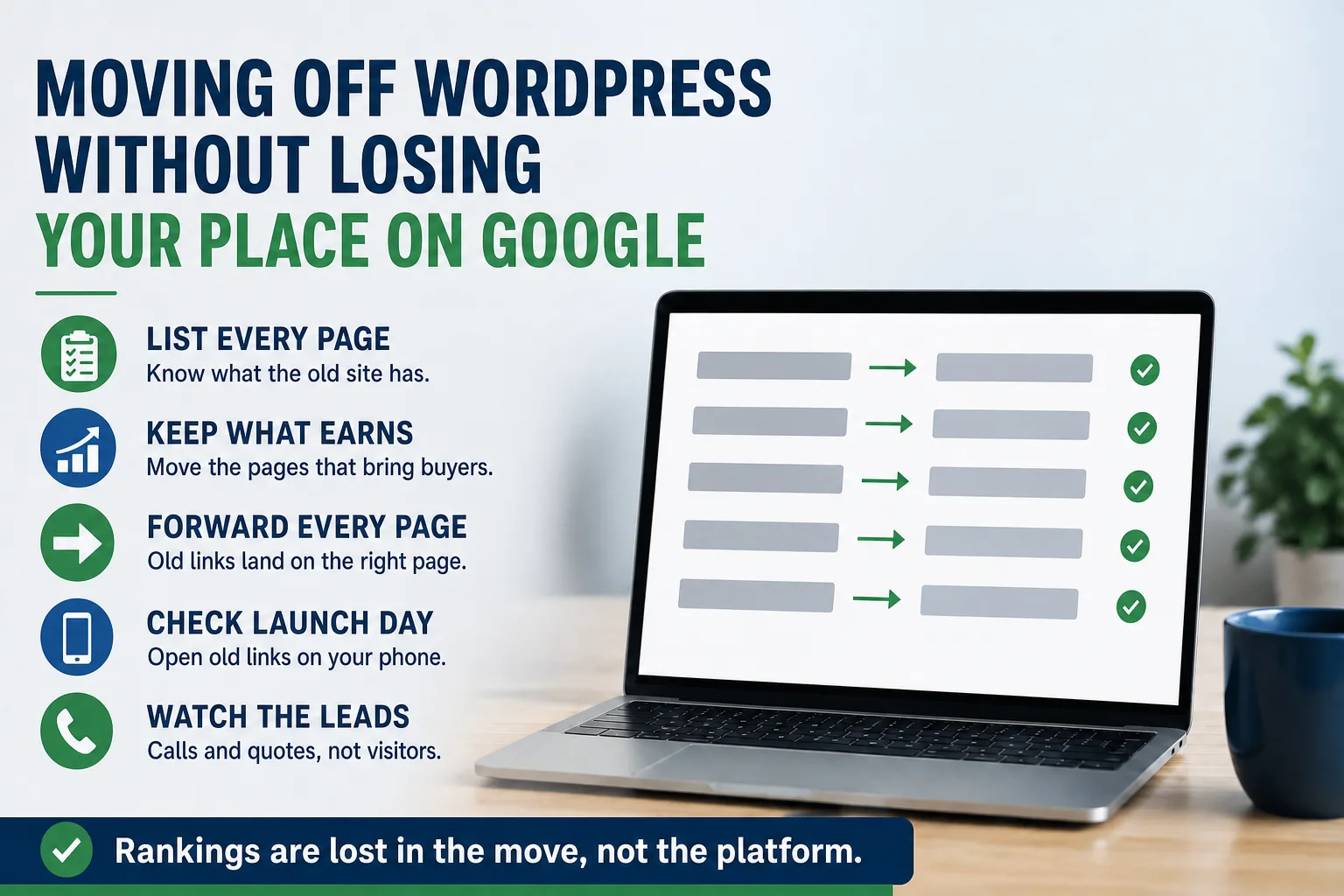
The single most useful thing you can ask for is a complete list of every page on the current site, with its address. Your current web person can produce it. So can whoever is building the new site. Ask for it in writing before design starts.
Then find out which of those pages matter. Search Console (Google's free tool for site owners) shows which pages people reach from Google and what they searched to get there. If nobody set it up, ask the builder to do that first. Your own records help too. Which services bring in the calls? Which page do customers mention?
Sort the list into three groups. Pages that bring in buyers, which move over with their words mostly intact. Pages that get visits but no business, which can be combined or rewritten. Pages nobody visits, which can go. Dropping pages is fine. Dropping them without knowing what they did is the mistake.
Every old address needs a new home
For every old page, the new site should send visitors to the closest matching new page automatically. Think of it as a forwarding order with the post office, one per page. Someone clicks an old Google result or an old link in an email, and they simply arrive in the right place.
Forward each old page to its real match, not to the homepage. Sending everything to the homepage looks tidy, but a buyer who clicked "pump repair" and lands on a general welcome page has to start over, and Google treats it much like a missing page.
Google's own guidance for site moves says to keep that forwarding in place as long as possible, generally at least a year, and longer is better for visitors. We covered the same idea for a company that changes its web address in changing your company name without losing customers. The difference here is that your address stays the same, so the work is page by page.
When we move a client off WordPress, the forwarding list is a written deliverable they sign off on before launch. Whoever does yours, ask to see that list. If they do not have one, the move is not ready.
What to check on launch day and the month after
On launch day, take ten of the old addresses from your list and open them on your phone. Each one should land on the right new page, not an error and not the homepage. Search Google for your company name and click your own result. Check that the link on your Google Business Profile still works.
Ask your builder to confirm, in writing, that the new site is open to Google and that the old list of pages has been sent to Search Console. Then submit your own contact form and make sure it arrives. A move is a common moment for forms to stop working.
Over the following month, watch the things that pay the bills: calls, quote requests, and form submissions. Visitors from Google often wobble for a few weeks after a move while Google catches up. That is normal. If you want a clear way to tell a harmless dip from a real loss, see when a traffic drop is worth worrying about.
When the risk is small, and when it is not
Not every move needs this much care. If your site has a dozen pages and most of your work comes from referrals and repeat customers, a simple forwarding list and a launch day check are enough.
The risk is real when Google is a meaningful share of your new business. That usually means a site with many service or location pages, a blog that brings in buyers, or a few pages you know produce quotes. In that case, the list and the forwarding plan are worth more than any design choice in the project.
If you are still deciding whether to leave WordPress at all, WordPress alternatives for contractors lays out the options and what each one asks of you. The platform decision and the move are separate. Get both right.