Changing Your Company Name Without Losing the Customers Who Find You
A new name, a merger, or a rebrand can quietly cut the paths customers use to reach you. What to keep, what to change, and in what order.
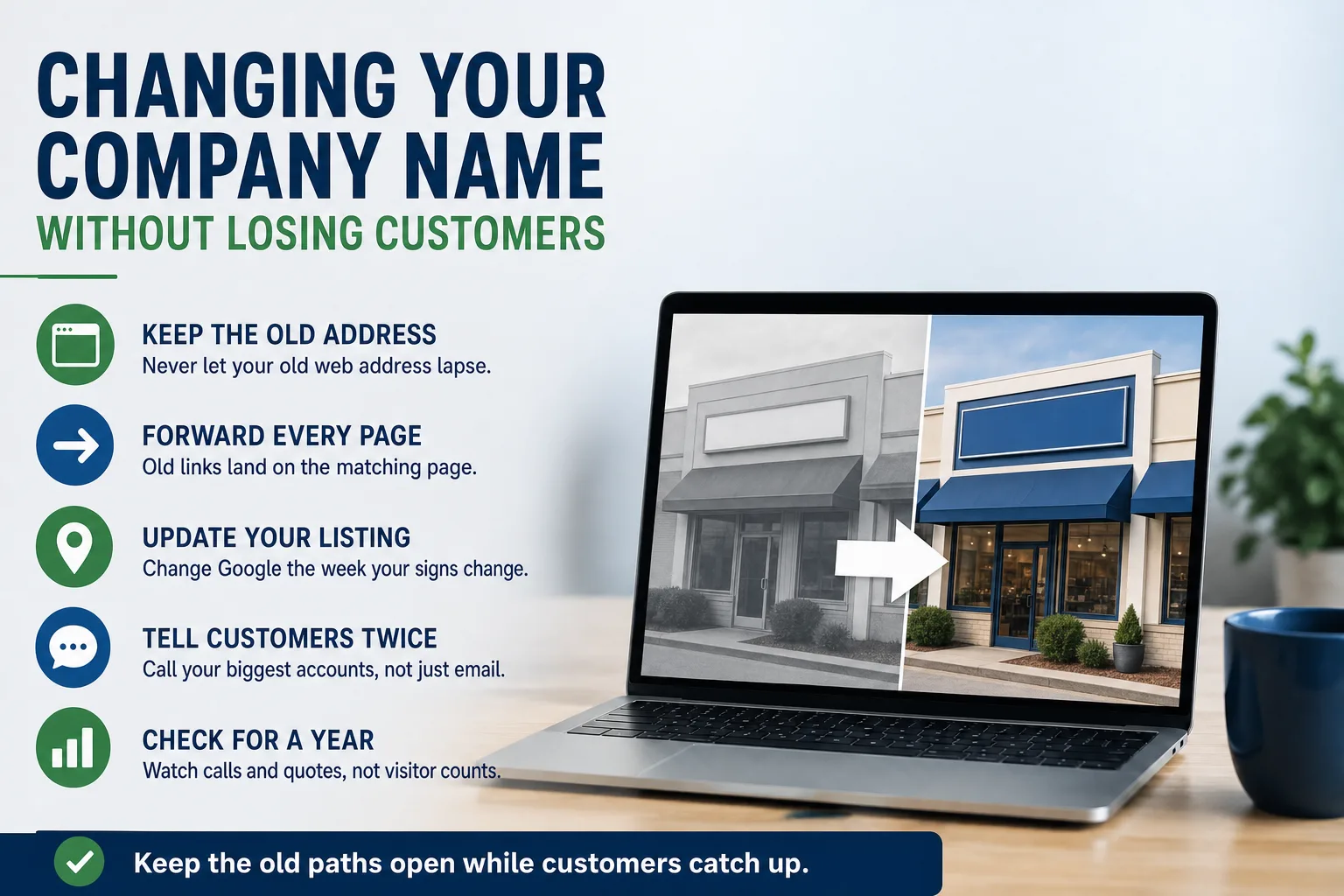
The new name is picked. The logo is done. The trucks are booked for new lettering next month. Then someone in the meeting asks what happens to the website, and everyone turns to look at the office manager.
A name change is one of the few times a healthy website can lose customers on purpose. Nothing breaks. But years of small signals point at the old name, and nobody tells them to point somewhere new.
Most of the risk is avoidable. It has to be handled in the right order, and a few things have to stay in place much longer than feels natural.
What your old name is quietly doing for you
Your old web address has a history. Google knows its pages. Suppliers, trade associations, the local chamber, and old news stories link to it. Customers have it saved in bookmarks and in years of email threads.
For a company that sells to other businesses, there is one more path that is easy to forget. Your customers' purchasing and accounts payable teams have your old name, old email addresses, and old payment details on file. Their systems were set up once and nobody touches them unless something forces it.
Change the name without a plan and every one of those paths can end at an error page, a dead inbox, or a stranger. None of it shows up on a report. You find out when a longtime customer calls to ask whether you closed.
Keep the old web address, and keep paying for it
The most expensive mistake is letting the old web address lapse. It renews quietly for a year or two after the change, then someone decides it is no longer needed and stops paying. Whoever buys it next inherits your old visitors, your old links, and possibly email that customers still send to it.
That is a gift to anyone who wants to pose as your company. We covered how that kind of fraud works in scammers billing your customers in your name. The renewal costs very little next to that risk. Keep the old address renewed for years, and treat it as permanent unless you have a strong reason not to.
Do the same for email. Old addresses should keep receiving mail and pass it to the right new inbox, with an automatic reply that gives the new address. Customers will keep writing to the old one for longer than you expect.
Every old page needs a forwarding address
When the new site goes live at the new address, each old page should send visitors to the matching new page automatically. Think of it as a permanent forwarding order with the post office, but for every single page. The visitor clicks an old link and simply arrives in the right place.
Page to page matters. Someone who followed a supplier's link to your fire sprinkler inspection page should land on that same service, not on your homepage wondering where to look. Sending everything to the homepage is the lazy version, and Google treats it as a weaker signal.
Google publishes its own guidance for moving a site to a new address. Set up the forwarding for every page first. Then tell Google about the move with the change of address step in Search Console (Google's free tool for site owners). Google says search results can take months to fully catch up, and it advises keeping the forwarding in place for as long as possible.
A dip in visitors for a few weeks after the switch is normal and usually recovers. If you want to know when a drop actually matters, see when a traffic drop is worth worrying about. Ask whoever builds the new site for the forwarding list in writing: every old page and where it now goes.
Your Google listing and the directories
Google's rule for business names is plain. The name on your Google Business Profile should match the name you actually use on your signs, your website, and your paperwork. So change the listing in the same week the rest of the world changes, not months early and not months late.
Edit the listing you already have. Do not create a second one under the new name, because two listings for one business confuse Google and split your reviews. If the change is large enough that Google treats you as a different business, reviews may not carry over. Read Google's current help pages before you touch the listing.
Then work through everywhere else your name appears: industry associations, the chamber, supplier and dealer locator pages, review sites, and map apps beyond Google. A matching name, address, and phone number across all of them is a large part of ranking in your own city. It also matters for AI assistants. They pull from these same listings, and a stale one can tell a buyer your company goes by a name it no longer uses.
Tell customers more than once, in plain words
Put a short line on the homepage and in every email signature: the new name, followed by "formerly" and the old one. Leave it there for at least a year. It costs nothing and answers the question before anyone has to ask it.
Call your largest customers. Do not rely on an email alone. An email that says "we changed our name and our bank details" is exactly what fraudsters send, and good accounts payable teams are trained to distrust it. Send the change on letterhead, give them a phone number to confirm it, and expect them to check. That caution protects you too.
If the change comes from a merger, pick one website to keep. Forward the other one page by page into it. Two sites saying slightly different things about the same company confuse buyers and Google alike.
A checklist for the month before and the year after
Before the change: renew the old web address for several years. Register the new one, plus the obvious misspellings. List every place the old name appears, from the website and Google listing to invoices, vehicles, and social profiles. Get the page forwarding plan in writing.
On launch day: confirm the forwarding works by opening ten old pages from your phone. Update the Google listing the same week the signs change. Submit the change of address to Google.
For the year after: watch calls and quote requests, not just visitor counts. Keep the old email addresses forwarding. Keep the "formerly" line up. And never let the old address lapse.
When we move a client to a new name, this list is the job: the forwarding, the old address, and the listings are handled together so nothing is left to memory. If a name change is on your calendar and you want a second set of eyes on the plan, start a conversation.