Chrome Now Stops New Visitors at Pages Without the Padlock
Since October, Chrome asks first time visitors to confirm before opening an unsecured page. Where those pages hide on business sites, and a check for this week.
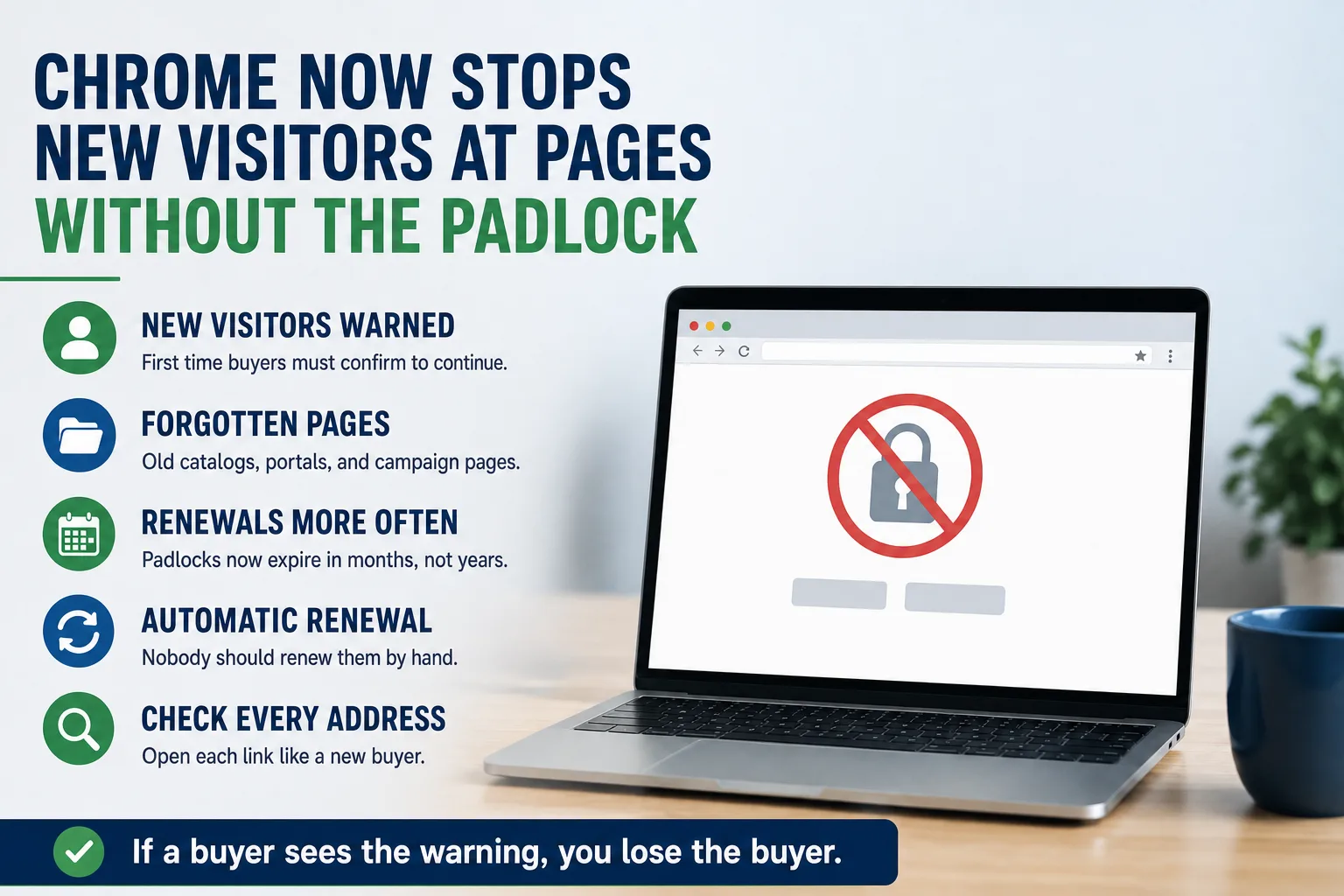
A purchasing manager at a food plant gets a referral to a packaging supplier. She clicks through to the supplier's parts catalog to check sizes. Instead of the catalog, Chrome shows her a warning page. The connection is not secure, it says, and asks whether she wants to continue or go back.
She goes back. She has two other suppliers to look at, and she is not going to type a purchase order into a page her browser does not trust.
The supplier never hears about it. Their main website is fine. The catalog lives on an older, separate address that someone set up years ago. The people who use it every day were asked once, clicked continue, and have not seen the warning since. The only people who see it now are the ones the supplier most wants: buyers arriving for the first time.
What changed in Chrome this fall
Google announced in October 2025 that Chrome would turn on a setting called Always Use Secure Connections for everyone, starting with the version released in October 2026. That version is out now.
With the setting on, Chrome tries the secure version of every public page first. Secure means the page uses HTTPS (the connection that shows the padlock in the browser's address bar). If a page has no secure version, Chrome stops and asks the visitor for permission before opening it.
Internal addresses are left alone. A page that only works inside your office network is not affected. The warning is for public pages, the ones customers, buyers, and job applicants reach from search results, emails, and links.
If every page your company puts in front of the public already shows the padlock, nothing changes for you. Most modern websites are in that group. The trouble is in the pages nobody remembers.
Why the warning lands on your newest buyers
Google designed the warning so that people are not nagged about sites they use all the time. Chrome warns on the first visit to an unsecured site, or the first visit in a while. Regular visitors are not warned again and again.
That is sensible for the public. For a business, it means the people inside your company are the least likely to notice. You, your staff, and your longtime customers saw it once, if ever. A new buyer comparing three vendors sees it every time, because every visit is their first.
Think about what the warning does to that buyer. They do not know the difference between an old catalog and a hacked website. They see a browser telling them to be careful with your company. Some will continue. Many will not, and nobody will email you to say why they went to a competitor.
Where unsecured pages hide on business sites
The main website is rarely the problem. The gaps are usually in the extras that were added over the years, often on separate addresses like catalog.yourcompany.com or portal.yourcompany.com.
Look for an older parts or product catalog. A customer portal for orders, invoices, or tracking. An online bill pay page. A careers page or job application hosted by an outside vendor under your name. Landing pages built for an old ad campaign that are still linked from somewhere. A photo gallery or document library a previous web person set up and nobody has touched since.
Each one carries your company name, and each one can now put a warning in front of a buyer. If one of them is no longer needed, taking it down is often cheaper than fixing it. If it is still in use, it needs the padlock.
The padlock now has to be renewed more often
The padlock comes from a security certificate, a small file that proves your site is really yours. Certificates expire, and the rules on how long they last are set by the CA/Browser Forum (the industry group of certificate issuers and browser makers).
In 2025 that group voted to shorten the limit in steps. Since March 2026, a certificate can last at most 200 days. In March 2027 the limit drops to 100 days. By March 2029 it will be 47 days.
For most websites this is invisible. Modern hosting renews certificates automatically, and nobody has to do anything. It matters if your company still buys a certificate once a year and has someone install it by hand. That chore now comes around twice a year, about four times a year after next March, and roughly every six weeks by 2029. A manual process that worked once a year will slip eventually, and a lapsed certificate puts a much louder warning in front of every visitor, not only new ones. We covered what that day looks like in what happens when your website goes down.
One more thing to expect: renewal emails that look official. If a message says your certificate is about to expire and asks for payment, check with whoever runs your site before paying anything. The same advice applies as with fake website invoices.
When there is nothing to do
Plenty of owners will read this and find they are fine. If every public address shows the padlock, and your provider can confirm the certificates renew on their own, you do not need to spend money on this. Do not let anyone sell you a security upgrade on the strength of these changes alone.
The point is to know, not to assume. A well run website has a list of every public address the company uses and someone responsible for each one. Renewals are tracked as part of the monthly work, which is one of the things a care plan should actually do. That is how we run the sites we manage, and it is a fair question to ask any provider.
A fifteen minute check for this week
Make a list of every web address your company puts in front of customers. Start with the main site. Then check your email signatures, quotes, invoices, brochures, truck lettering, trade show material, and the footer of your website for links to anything else.
Open each address in Chrome using a private window, which behaves more like a first time visitor. Look for the padlock in the address bar. If Chrome shows a warning instead, write down the address.
Then send one email to whoever runs your website. Ask three questions. Does every address on this list have a certificate? Do they all renew automatically? Who gets told if a renewal fails? Clear answers mean you are done. Vague answers mean the list is worth a conversation, and if you would like a second opinion, we are glad to take a look.