What Happens When Your Website Goes Down — and Who Notices First
The answer to who notices first is almost always a customer. The four ways business websites actually fail, what each one costs, and what monitoring and backups genuinely buy you.
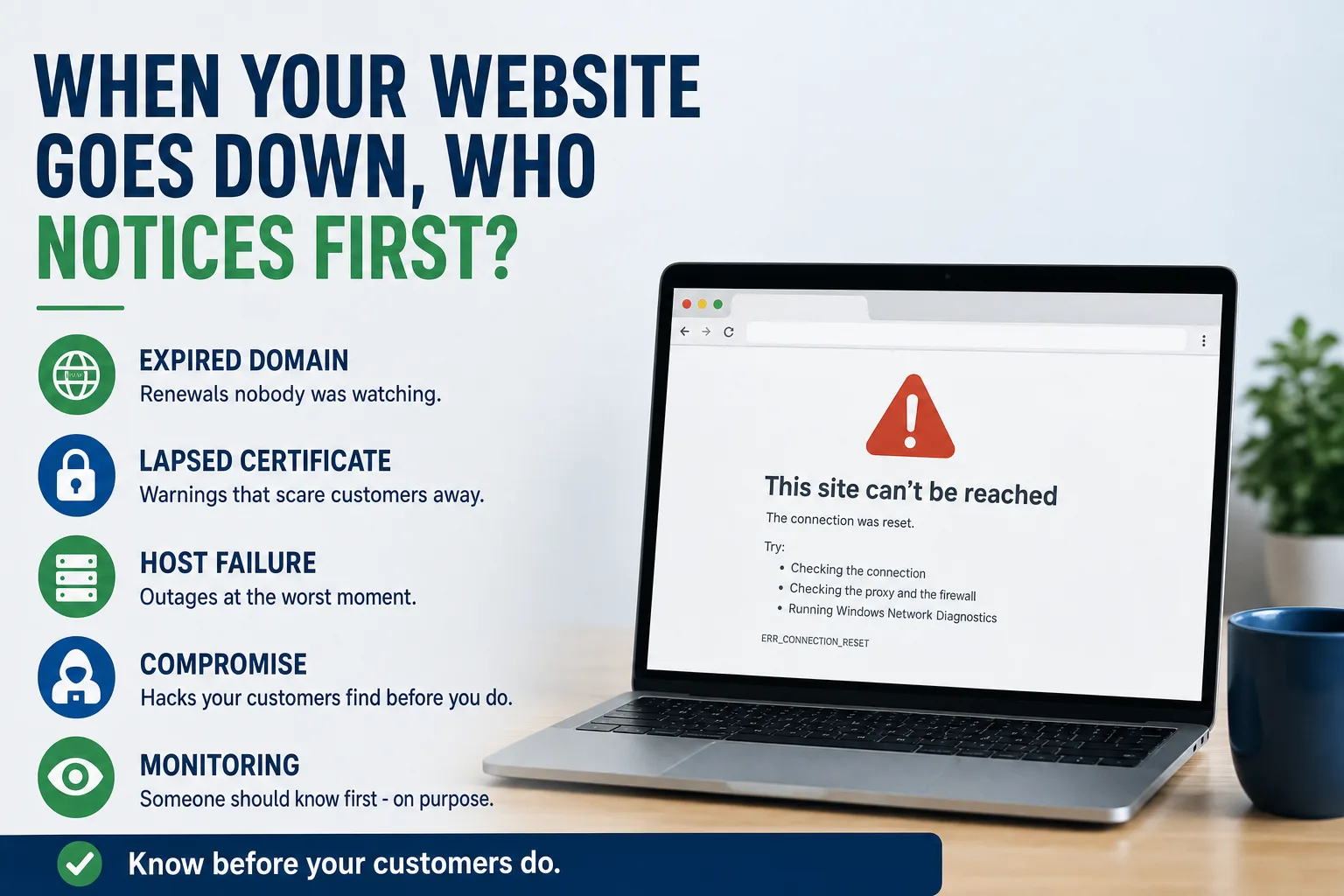
Ask a business owner how they would find out their website was down and the honest answer is usually that someone would mention it. A customer, a supplier, occasionally a competitor being polite about it.
That is the whole problem in one sentence. An outage you learn about from a customer has already been running long enough for a customer to encounter it, form an impression, and take the trouble to tell you — which means it has been running for the far larger number of people who encountered it and simply left.
Website failure is not one event. It is four different events with different causes, different costs, and different prevention, and only one of them is what people picture when they say the site went down.
1. The expired domain
The most complete failure available, and the one caused by the smallest oversight. A domain registration lapses. The website disappears and — the part that surprises people — so does company email, because the same domain carries both. You are now unreachable on every channel except the phone, and nobody can look you up to find the phone number.
The causes are almost always administrative. The card on file expired. The renewal notice went to a former employee's address. The domain sits in a web developer's account and they moved on years ago, so the reminders go somewhere nobody reads. That last one is a symptom of a bigger problem covered in Who Actually Owns Your Website? — and it is worth checking today rather than the morning it happens.
The fix costs nothing: confirm the domain is in an account you control, that auto-renew is on, and that the payment method and the notification address are both current and yours. Set a calendar reminder for the renewal date anyway. Registrar emails are the most-ignored mail any business receives right up until the one that mattered.
2. The lapsed certificate
Subtler and, in some ways, worse. Your SSL certificate expires, and the site is technically still there — but browsers now interrupt anyone trying to reach it with a full-page red warning about the connection not being private.
Read that screen the way a customer does. It does not say "routine administrative lapse." It uses the vocabulary of fraud, and it appears between a person and a business they were about to trust with money and access to their home. Most of them will not proceed, and a fair number will conclude something is genuinely wrong with your company rather than with a certificate.
Modern certificates renew automatically and this should be a solved problem. It stops being solved when the renewal depends on a process nobody is watching, which is the same failure mode as the domain: an automated system doing its job silently until the day it does not, with no one assigned to notice.
3. The host that fails exactly when you need it
Conventional hosting degrades under load, and load is not random. It spikes during the storm week, the heat wave, the freeze, tax season — the precise windows when demand for what you sell is at its annual peak and every competitor is fielding the same surge.
This is what makes hosting outages expensive out of proportion to their duration. Four hours of downtime in February is a rounding error. Four hours during the first cold snap, when every homeowner in the county is searching for a plumber at once, is a meaningful share of a year's emergency work handed to whoever stayed up.
The cost never appears in the budget as a website line item, which is why cheap shared hosting keeps looking like a good decision. It is filed, if at all, as a slow quarter. We put it in the arithmetic deliberately in Static vs. WordPress: The Real Total Cost, because a hosting bill is one of the few line items where the cheapest option is reliably the most expensive.
4. The compromise
The site is up and serving content that is not yours: pharmaceutical spam, redirects to somewhere unpleasant, or a page quietly harvesting whatever visitors type into it. Outdated plugins are the most common route into a small-business website, and the attack is rarely personal — automated scanners find a known vulnerability and take whatever they find.
The direct cost is cleanup. The larger cost is duration. Search engines flag compromised sites and browsers warn visitors away, and that reputation takes considerably longer to restore than the site does. A hacked website carrying your name does damage to a local reputation that no amount of advertising undoes quickly.
Architecture genuinely changes the odds here. A site pre-rendered into plain HTML and served from a CDN has no database to inject into, no admin login to brute-force, and no plugin chain accumulating known vulnerabilities — most of the standard attack surface simply is not present. That is not a claim of invulnerability, and it would be dishonest to make one: the repository, the deployment pipeline, the registrar, and the DNS are all still real targets, and they need real passwords and multi-factor authentication like anything else. But the routine, automated, opportunistic attack that takes down most small-business sites has nothing to work with.
It is worth noting what clients actually remember about this. The security upgrades were what the David Plotkin practice singled out after their rebuild — a marketing site, where the outcome the client volunteered was confidence that the platform was safe. That tells you how much unacknowledged anxiety a fragile site generates in the background.
What monitoring and backups actually buy
Monitoring buys you the difference between finding out in minutes and finding out from a customer. That is all it does, and it is worth a great deal — an outage caught in five minutes is an inconvenience, while the same outage caught in three days is lost work you will never be able to count.
Backups buy you a floor under the worst case. The question that matters is not whether backups exist but when one was last restored, because an untested backup is a hypothesis. A restore that has never been rehearsed fails at the exact moment failure is least affordable.
Version control is the underrated one. When every change to a site goes through a repository, every deployment is tracked and reversible — a bad change is undone in minutes rather than reconstructed from memory, and you can see exactly what changed and when. That is standard practice for the sites we run, and the reason a bad Friday is a bad hour instead.
None of this requires you to do the work. It requires that somebody is named, and that you know who. "The hosting company handles it" is usually a guess about a service level nobody has read.
Five minutes, this week
Look up your domain's expiry date and confirm the registrar account, the payment method, and the notification address are all yours and current. Check when your SSL certificate expires and whether renewal is automatic. Find out who would be told if the site went down at 2 a.m. on a Sunday, and whether that is a person or an assumption.
Then ask the one question that settles most of it: when was a backup last actually restored? If nobody can answer, that is your answer.
If several of these come back "I don't know," the underlying issue is usually not technology but the absence of a named owner — the same gap that makes an aging site impossible to change, which is one of the tests in Rebuild or Repair?. What that arrangement should look like, and what to demand of whoever provides it, is on our pricing page.