When Scammers Bill Your Customers in Your Company's Name
A web address one letter off from yours, an email with new bank details, and a customer who pays the wrong account. How to make your company hard to copy.
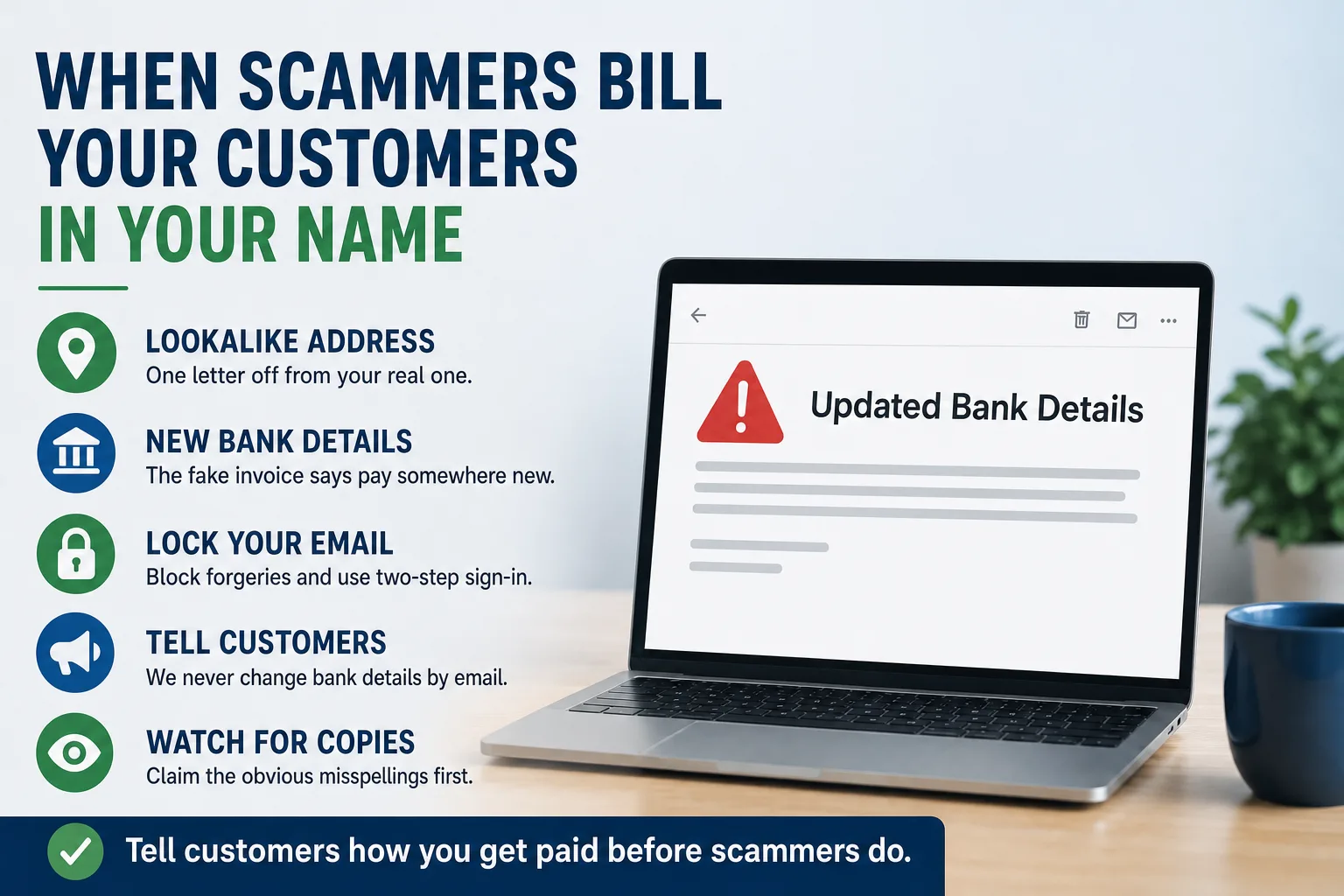
Your customer's accounts payable clerk gets an email from your company. It has your logo, your job number, and the name of the person they always deal with. It says your bank has changed and asks them to update your payment details before the next invoice.
They do. A month later your office calls about a late payment, and the customer says it went out on time. It did. It went to someone else.
Nobody broke into your website. Someone copied it. They registered a web address one letter off from yours, set up email on it, and wrote to your customers as you. The FBI has warned businesses about this pattern for years. It works best on companies that sell to other businesses, because that is where the large invoices are.
How the copy works
The first version needs no hacking at all. A scammer registers a web address that looks like yours at a glance. A lowercase L becomes the number one. A hyphen appears. The ending changes from .com to .co. In a busy inbox, nobody reads that closely.
Everything else they need is public. Your website lists your services, your team, and often the names of the people customers talk to. A past invoice or a forwarded email fills in the rest.
The second version is quieter. The scammer gets into a real mailbox at your company, usually with a stolen password. They read ongoing conversations and reply inside a real thread, from your real address. The FBI's Internet Crime Complaint Center describes this exact move: payment requests sent to the vendors and customers in that employee's contact list. The business often finds out only when a customer asks about an invoice it never sent.
Either way the ask is the same. New bank details, a reason that sounds routine, and a little urgency.
Why it is your problem when your customer paid
The money left your customer's account, not yours. Your invoice is still open. Your customer believes they paid it. Now you are negotiating with someone you want to keep over money neither of you has.
Who absorbs that loss depends on your contracts and your state, and courts have not always sided with the company that was impersonated. That is a question for your attorney now, before it happens, not after.
There is also the quieter cost. A customer who got burned in your name starts wondering whether your systems are safe. Some will not say it. They will just move the next order.
The law is on your side, for what it is worth. The Federal Trade Commission's impersonation rule, in effect since 2024, makes it illegal to pose as a business, including by copying its web or email address. It lets the agency go to court to get money back. That is useful, but it will not recover this month's payment. Prevention is far cheaper.
Make your real email harder to fake
Your email provider has settings that let other companies' mail systems check whether a message really came from you, and reject the ones that did not. The FTC tells businesses to confirm their provider supports this. Many businesses have it switched on in a watch only mode that never actually blocks anything.
You do not need to understand the settings. Ask whoever runs your email one question: "Is our email set up so other companies can reject messages forged from our address?" A clear yes is the answer you want. A vague one means it is worth an hour of their time.
Then turn on two-step sign-in for every mailbox, starting with accounting, sales, and the owner. A stolen password alone should not open anyone's inbox. That is the main defense against the second version of this scam.
These settings sit right next to the ones that point your web address at your site, so whoever manages one should be checking the other. It is part of what we review by default when we take over a client's website.
Tell your customers the rule before a scammer does
This is the strongest step, and it costs nothing. Add one standing line to every invoice and every new customer packet: "We will never change our bank details by email. If you get a message saying we have, call us at the number you already have."
Put the same line on your website, near your contact details. Then make sure the phone number on your site is right and answered. The FBI's advice to the person receiving a payment change is to verify it through a known number. Your site is where many of them will look for it.
A customer who has read that line twice will pause when the fake email arrives. That pause is the whole defense.
Apply the same rule in the other direction. Your own team should never change a vendor's bank details from an email alone. The habits that stop fake website invoices work here too.
Watch for copies of your web address
You cannot register every misspelling of your name, and you should not try. Do register the two or three that someone could mistake at a glance, and point them at your real site. It is a small yearly cost, and it takes the easiest copies off the table.
Make sure those addresses sit in an account your company controls, alongside your main one. If you are not sure who holds your main web address, start with who actually owns your website.
If you find a lookalike address in use, report it to the company it was registered through and the company hosting it. Pretending to be another business breaks nearly every provider's rules, and takedowns are often quick. Report it at ic3.gov as well. Then warn your customers with a short, plain email that contains no links, so your warning cannot be mistaken for the scam.
If a customer already paid the wrong account
Speed matters more than anything else. Ask your customer to call their bank right away and request that the payment be recalled. File a complaint at ic3.gov and use the words "business email compromise" so it reaches the right team.
Keep every email involved. Do not delete the messages, because the bank and investigators will need them. Have someone check your own mailboxes for forwarding rules nobody set up, which is a common sign that an account was taken over.
Then close the gap that let it happen, and send every customer the bank details rule. A short, steady response does more for the relationship than silence.
This week, run five checks. Ask your email provider the forgery question. Turn on two-step sign-in everywhere. Add the bank details line to your invoice template. Type three misspellings of your web address into a browser and see what loads. Call the number on your own contact page. If any of those turns up something you would rather not handle alone, talk to us.