Website Accessibility Demand Letters: What Owners Need to Know
A letter says your website shuts out people with disabilities and asks for payment. What it means, what to do the first week, and what not to buy.
The envelope is from a law firm you have never heard of. The letter says your website discriminates against people with disabilities. It lists problems with your pages in language you do not recognize. It offers to make the matter go away for a payment, by a date that is closer than you would like.
Most owners respond in one of two ways. They panic and pay, or they decide it is a scam and throw it away. Both can be expensive mistakes.
Here is what these letters are, why a company that only sells to other businesses can still get one, and what to do in the first week. This is not legal advice, and one of the first steps is a lawyer. But you will make better decisions in that conversation if you understand the ground first.
What the letter is actually claiming
The ADA (the Americans with Disabilities Act, the federal civil rights law for people with disabilities) requires businesses open to the public to serve disabled customers. In 2022 the Justice Department published guidance saying that this includes websites.
Its examples are plain. Enough contrast between text and background. Text descriptions on images, so screen readers (software that reads a page aloud for people who are blind) can announce them. Captions on videos. Forms that work without a mouse.
Most demand letters measure your site against WCAG (the Web Content Accessibility Guidelines, a public checklist from the international group that sets web standards). The letter usually names a person who says they tried to use your site and could not. It lists a handful of failures and proposes a settlement.
Some letters reflect a real person who hit a real barrier. Others are nearly identical from one business to the next. That pattern is common enough that a member of Congress introduced a bill in February 2026 to give businesses notice and time to fix problems before a lawsuit can be filed. It is a proposal, not law. Until something like it passes, assume the letter is the first warning you will get.
"We only sell to businesses" is not a safe assumption
Owners of manufacturers, distributors, and contractors often treat this as a retail problem. Online stores do get more of these claims. But a demand letter is cheap to send, and the sender does not have to be your customer. Anyone can visit a public website.
Courts around the country have not agreed on every question, including how the law applies to a business whose customers never walk through a door. That uncertainty cuts both ways. It is a reason to take the letter to someone who handles these cases, not a reason to assume you are exempt.
There is also a plainer business reason. The people who evaluate vendors at your customers include people with low vision, people who cannot use a mouse, and a purchasing manager who zooms in to read your spec sheet. If they cannot read your product list or finish your quote form, that is a lost bid, whatever the law says.
The first week after a letter arrives
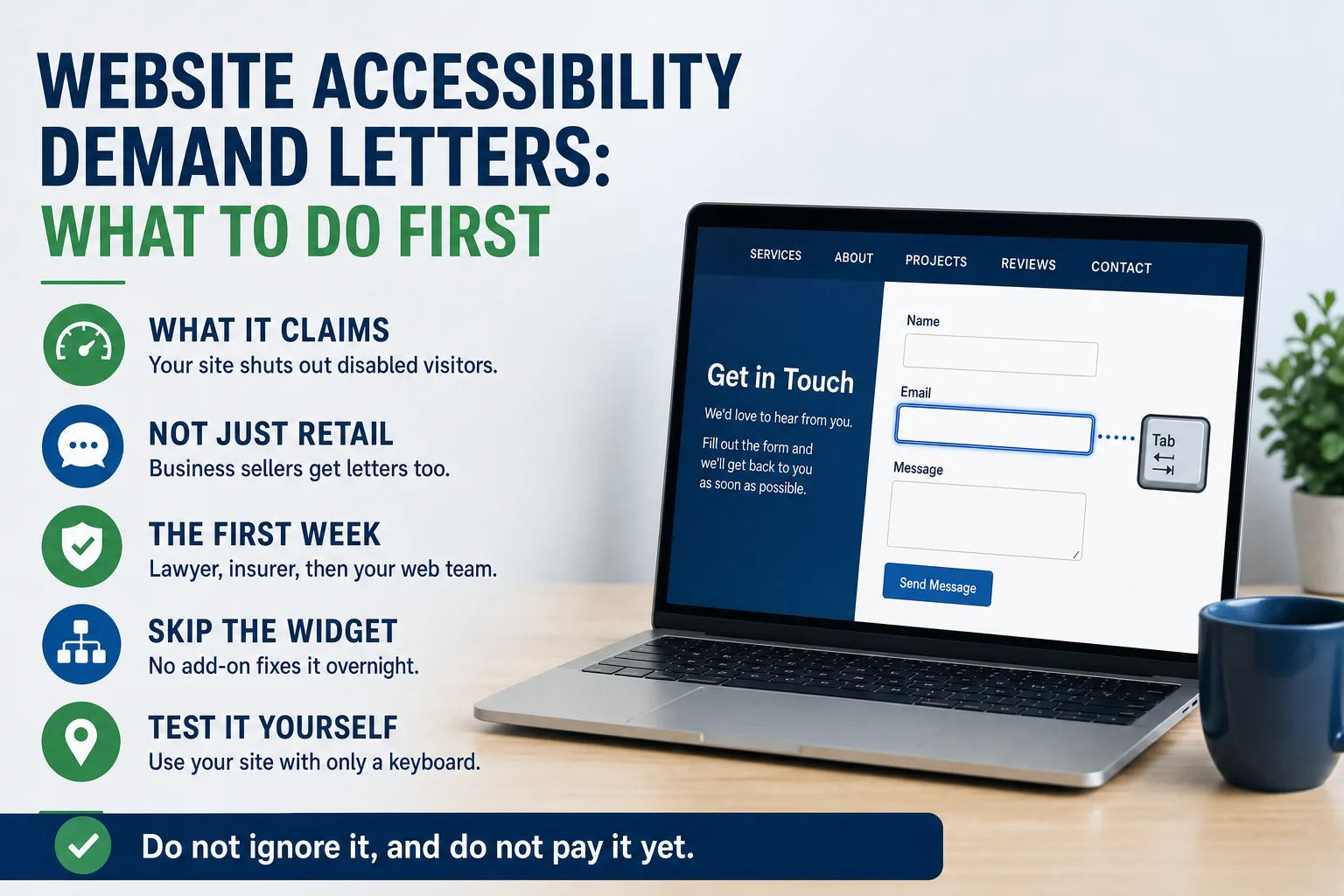
Do not ignore it, and do not pay it yet. Put the response deadline on a calendar someone actually watches.
Check that it is real. Look up the law firm and the attorney in your state bar's online directory. Note whether you received a letter or were formally served with a lawsuit, because the deadlines and the stakes are different.
Call your insurance broker the same week. Ask whether any of your policies covers defense against this kind of claim, and report it promptly either way. Waiting can cause trouble with coverage you would otherwise have had.
Then talk to an attorney who handles accessibility claims regularly. Your usual business lawyer may be the right first call, but ask whether they have done these before. Do not write back to the sender yourself. Do not make promises about your website in writing until your lawyer has seen them.
Finally, send the letter to whoever manages your website and ask for a straight answer on each item it lists. Your lawyer will want to know which complaints are accurate, which are already fixed, and what it would take to fix the rest. If you are not sure who controls the site well enough to make changes, start with who actually owns your website.
The widget that promises to fix everything
Search for help and you will see ads for a small add-on that claims to make any website compliant in minutes. Be careful. In January 2025 the Federal Trade Commission ordered accessiBe, one of the best known makers of these tools, to pay $1 million. The agency said the company could not back up its claim that the product made any website meet WCAG.
The point is not that such tools do nothing. The point is that a promise of instant, complete compliance was not supported. A widget sits on top of the problems instead of removing them. An image with no description still has no description. A form that cannot be finished without a mouse still cannot.
If a vendor sells you one of these as the answer to a legal demand, ask them to put that promise in writing. Ask what they will cover if it turns out to be wrong. Their answer will tell you most of what you need to know.
What your web vendor should be able to tell you
Accessibility is not a one-time project. It slips every time someone adds a page, uploads a photo without a description, or posts a scanned flyer as the only copy of an important document.
Ask whoever builds and maintains your site three questions, in writing. What standard do you build to? How do you check it, and does a person test the important pages or only an automated scan? Who keeps it that way after each change?
For the first question, WCAG version 2.1 at level AA is a sensible target. It is the level the Justice Department adopted in 2024 for state and local government websites, so it is the closest thing to an official yardstick.
Automated scans are useful, but they miss things only a person notices, like whether an image description actually describes anything. A vendor who calls a site fully compliant based on a scan alone is overstating it. These belong on the list of questions to ask before you hire anyone, and they are fair to ask a vendor you already have.
A ten-minute test you can run this week
Open your website on a computer, put the mouse aside, and press the Tab key over and over. You should see a clear outline move from link to link. Try to reach your contact or quote form, fill it in, and send it with the keyboard alone. If you get stuck, so does anyone who cannot use a mouse.
Then zoom the browser in until the text is twice its normal size. Does the page still read, or do menus and text pile on top of each other? Look at your most important documents. Is your product list a scanned picture that no screen reader can read? Do your videos have captions?
None of this proves your site is compliant or that it is not. It shows you, in ten minutes, whether there is obvious work to do. If the contact form is where you got stuck, also check whether it delivers at all. If you want a second set of eyes on what you find, a short conversation is a reasonable place to start.